- Position Field: Use your official job title for accuracy and credibility, not creativity or keywords.
- Headline Field: Use 220 characters to position yourself with searchable terms and instant clarity.
- Search Weight: Headline carries the highest algorithm weight, position has medium weight but builds trust.
- Headline Pattern: Role plus specialization plus credibility marker, add context your job title cannot show.
- Common Mistake: Copying position into headline wastes space, expand with stack, niche, or measurable proof.
Two Fields That Serve Completely Different Purposes
Your LinkedIn profile has two prominent text fields that appear near your name: your headline and your current position. Many professionals treat these as interchangeable, copy-pasting their job title into both fields and wondering why their profile underperforms. Understanding the distinction between linkedin headline vs position fields is critical because recruiters and the LinkedIn algorithm evaluate them differently.
Your position field is a factual record that feeds into LinkedIn’s work history database. Your headline is marketing copy with 220 characters to differentiate yourself from others with identical job titles. One is designed for accuracy and consistency, the other for standing out and appearing in more searches.
This guide explains exactly what belongs in each field, how they interact with LinkedIn’s search algorithm, and shows side-by-side examples of effective versus ineffective approaches. Getting this distinction right often makes the difference between profiles that attract opportunities and profiles that stay invisible.
What Each Field Actually Does
The position field lives in your Experience section and documents your official job title at a specific company. LinkedIn uses this data to build career timelines, suggest connections based on shared employers, and power features like “People Also Viewed” based on similar career paths. When you add a position, you’re contributing to LinkedIn’s structured database of employment history.
This field appears in multiple places: below your headline on your profile, in your experience timeline, and in connection suggestions. LinkedIn’s algorithm treats position data as verified information – it cross-references with company pages and other employees’ listings to establish credibility. Inaccurate position titles create inconsistencies that hurt your profile’s algorithmic trust score.
Your headline, by contrast, is pure positioning. It’s the 220-character text that appears directly under your name across LinkedIn – in search results, connection requests, comments, and messages. What is a linkedin headline? It’s your elevator pitch optimized for search visibility and instant comprehension. Unlike your position, your headline doesn’t need to match any official documentation.
The headline field is heavily weighted in LinkedIn’s search algorithm. When recruiters search for “product manager fintech,” LinkedIn prioritizes profiles with those exact terms in their headlines over profiles that only mention them in position titles or summaries. This makes your headline the single most valuable real estate for keyword optimization.
Key Differences at a Glance
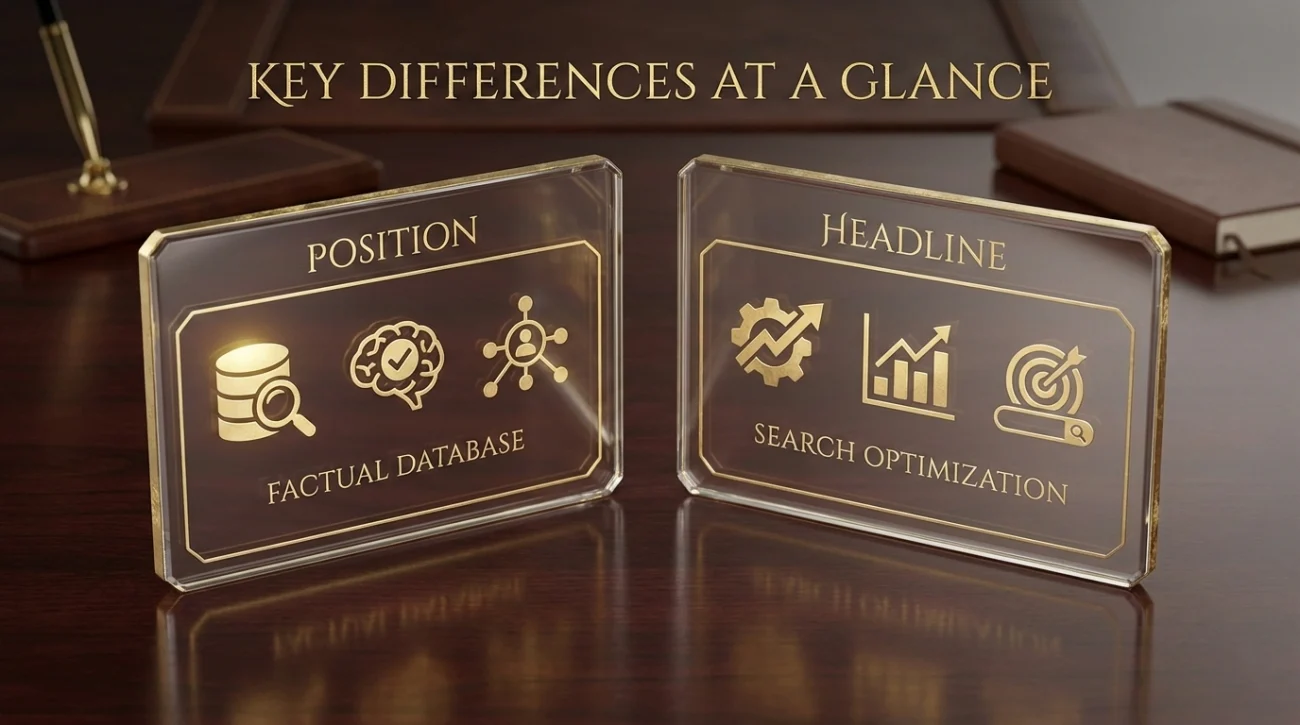
These fields serve distinct functions within LinkedIn’s ecosystem. Understanding how they differ helps you optimize each appropriately:
| Aspect | Position Field | Headline Field |
|---|---|---|
| Purpose | Official job title documentation | Personal branding and search optimization |
| Character Limit | 100 characters | 220 characters |
| Where It Appears | Experience section, career history | Everywhere: search, profile top, messages |
| Search Weight | Medium priority | Highest priority in algorithm |
| Update Frequency | When you change jobs | Anytime for optimization |
| Accuracy Requirement | Must match actual title | Can be aspirational or optimized |
| Keyword Strategy | Use official terminology | Use searchable terms |
The position field prioritizes accuracy and consistency with your actual employment record. The headline prioritizes visibility and differentiation. Trying to use the same approach for both means underutilizing at least one of these valuable profile components.
What to Put in Your Position Field

Your position should reflect your actual job title as it appears on company documents and your employment contract. This isn’t the place for creativity or keyword stuffing – it’s a factual record that LinkedIn cross-checks against other data.
Use your official title even if you think it sounds generic. “Software Engineer II” might seem boring compared to “Code Wizard,” but the official title helps LinkedIn connect you with alumni networks, suggest relevant jobs, and establish credibility with recruiters who verify employment history.
If your company uses internal titles that don’t translate well externally, you have limited flexibility. A title like “Member of Technical Staff” can be clarified to “Software Engineer (Member of Technical Staff)” to improve clarity while maintaining accuracy. Stay close to the official version to avoid verification issues.
For entrepreneurs and freelancers without formal titles, use industry-standard terminology. “Founder & CEO” works better than “Chief Everything Officer.” LinkedIn’s algorithm recognizes common titles and uses them to suggest connections and opportunities – creative titles reduce these algorithmic benefits.
What to Put in Your Headline
What should my linkedin headline be? Your headline should communicate your value proposition using terms that recruiters actually search for. This is where you add context, specialization, and differentiators that your position title alone can’t convey.
The most effective headlines follow a pattern: role plus specialization plus credibility marker. “Product Manager” is a position. “Product Manager | SaaS Growth & Retention | Ex-Salesforce” is a headline that tells recruiters exactly what kind of product manager you are and gives them a reason to look closer.
Include keywords that appear in your target job descriptions but might not be in your current position title. If you’re a “Marketing Coordinator” targeting “Digital Marketing Manager” roles, your headline can emphasize “Digital Marketing | SEO & Content Strategy” even though that’s not your official title. Your headline represents where you’re going, not just where you are.
Avoid repeating your position verbatim in your headline. If your position is “Senior Data Analyst,” using that exact phrase in your headline wastes your 220 characters. Instead, expand with “Senior Data Analyst | Python & SQL | Healthcare Analytics” to capture additional search terms and provide specificity.
For comprehensive strategies on crafting effective headlines, explore our guide to LinkedIn headline optimization.
Side-by-Side Examples That Work
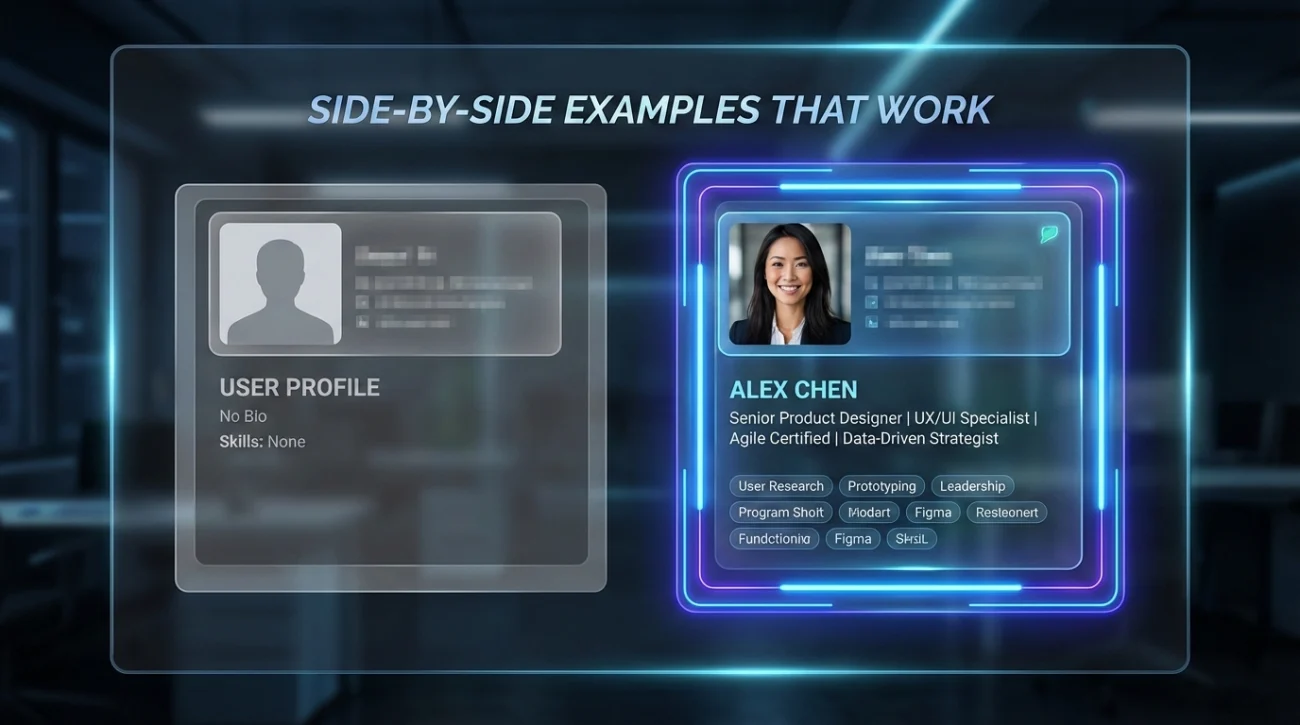
Seeing linkedin headline vs position examples in context clarifies how these fields complement rather than duplicate each other:
Software Engineer
Position: Software Engineer
Headline: Software Engineer
Position: Software Engineer
Headline: Full-Stack Engineer | React & Node.js | Building Scalable SaaS Products
The weak example wastes headline space repeating the position. The strong example adds technical stack, approach, and industry focus – details that help the right recruiters find this profile.
Marketing Professional
Position: Marketing Manager
Headline: Experienced Marketing Manager
Position: Marketing Manager
Headline: B2B Marketing Lead | Demand Generation & ABM | $5M Pipeline Generated
Adding “Experienced” to the headline provides no search value or differentiation. The improved version specifies B2B focus, methodology, and quantified results.
Independent Consultant
Position: Founder
Headline: Founder at ABC Consulting
Position: Founder & Principal Consultant
Headline: Supply Chain Strategy Consultant | Helping Manufacturers Reduce Costs 20-40%
The weak headline just identifies company ownership. The strong version specifies what the consulting practice actually does and the value delivered to clients.
Career Transitioner
Position: Account Manager
Headline: Account Manager looking for Product Management roles
Position: Account Manager
Headline: Product-Focused Account Manager | Customer Success & Product Feedback | Transitioning to PM
Job-seeking statements weaken headlines. The improved version emphasizes product-relevant skills from current role while signaling transition intent professionally.
Common Mistakes That Hurt Both Fields
These patterns reduce profile visibility and credibility by misusing either the position or headline field:
Using creative titles in Position field: “Coding Ninja” instead of “Software Engineer”
Creative position titles break LinkedIn’s ability to connect you with relevant opportunities. The algorithm can’t match “Coding Ninja” to job postings for software engineers, reducing how often your profile appears in recruiter searches. Save creativity for your headline.
Copying your entire position into your headline without expansion
If your headline exactly matches your position, you’re wasting 220 characters of prime search real estate. Your headline should add information, not repeat what’s already visible below your name. This is one of the most common linkedin headline vs job title errors.
Using headline space for company name when it already appears in position
Your company name displays automatically next to your position. Writing “Marketing Manager at TechCorp” in your headline wastes characters that could communicate specialization, skills, or results. Only include company names if they’re highly recognizable brands that add significant credibility.
Inflating your position title beyond what you can verify
Claiming “VP of Sales” in your position when you’re actually a sales manager creates verification problems during background checks. Use your headline for aspirational positioning, but keep your position field truthful.
❓ FAQ
🔄 Can I change my headline without changing my position?
📊 Which field matters more for recruiter searches?
🎯 Should my headline match my target role or current role?
💼 What if I have multiple positions at the same company?
🔍 Do position titles affect who LinkedIn suggests I connect with?
Final Thoughts

The linkedin headline vs position distinction comes down to function: your position is your official employment record, your headline is your marketing message. Treat them as complementary tools rather than redundant fields, and you’ll maximize both search visibility and profile credibility.
Keep your position accurate and aligned with your actual job title. Use your headline to add context, keywords, and differentiation that position titles alone can’t provide. This approach gives you the algorithmic benefits of accurate employment data plus the visibility advantages of strategic positioning.
Review both fields quarterly to ensure they’re working together effectively. As your responsibilities evolve or you target new opportunities, your headline should adapt while your position stays truthful. This dynamic optimization keeps your profile relevant without compromising integrity.