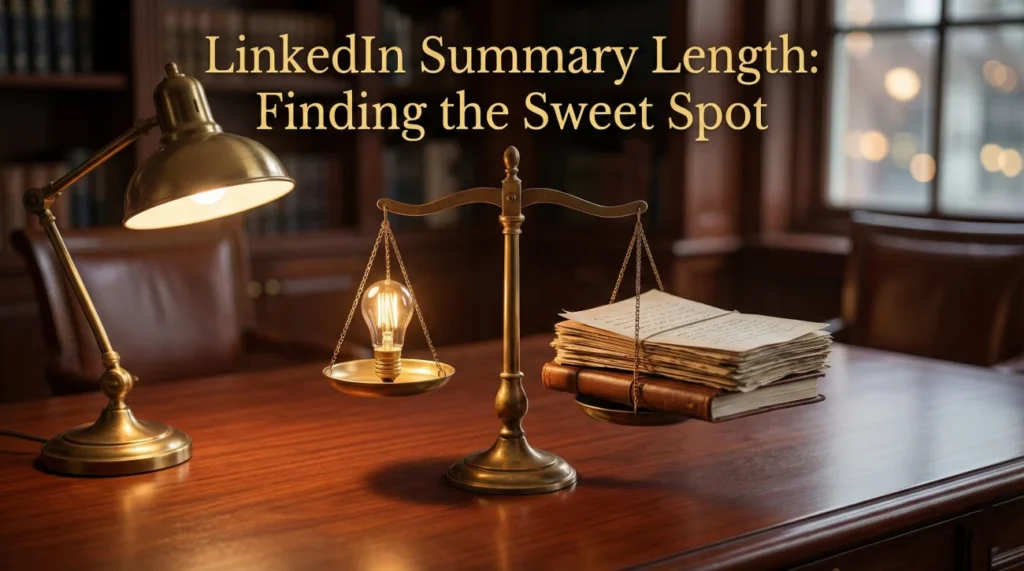
- 2600 is a cap, not a goal: The best length depends on career stage and profile goal, most people do better with focused space than maxing out.
- First 300 characters decide everything: LinkedIn previews truncate the About section, so your opening must stand alone and earn the “see more”.
- Use the right range by stage: Students 800 to 1200, early 1000 to 1400, mid 1400 to 1800, senior 1600 to 2200, exec 1800 to 2600.
- Spend characters on what differentiates: Lead with what you do, add measurable wins, weave keywords naturally, end with a clear call to action.
- Quality beats volume, then test: Cut buzzwords and dense blocks, use short paragraphs or bullets, watch views, search appearances, and connection outcomes to tune length.
Why Summary Length Matters More Than You Think
Your LinkedIn summary has a hard limit of 2,600 characters, but hitting that maximum doesn’t guarantee better results. The right linkedin summary length depends on your career stage, industry, and what you’re trying to accomplish with your profile. A CEO networking with peers needs a different approach than a job seeker trying to appear in recruiter searches.
The challenge is balancing comprehensiveness with readability. Write too little and you waste LinkedIn’s most valuable real estate for storytelling. Write too much and you lose readers before they reach your key selling points. Most professionals either underfill their summaries with generic statements or overfill them with unnecessary details that dilute their message.
This guide breaks down optimal lengths by career stage, explains what content deserves space in your summary, and shows you how to test whether your current length is working. The goal isn’t to hit a specific word count – it’s to use exactly enough space to make recruiters and connections want to learn more.
Understanding the 2600 Character Limit
LinkedIn gives you 2,600 characters for your About section, which translates to roughly 400-450 words depending on your writing style. This is significantly more space than your 220-character headline, but far less than a cover letter or full biography.
The character count includes spaces, punctuation, and line breaks. If you format your summary with short paragraphs and bullet points for readability, you’ll fit fewer words than someone writing dense blocks of text. This formatting trade-off matters – white space improves readability but reduces how much information you can convey.
LinkedIn truncates your summary after approximately 300 characters in search results and profile previews. Viewers must click “see more” to read the rest. This means your opening paragraph carries disproportionate weight – if those first few sentences don’t hook readers, the length of your full summary becomes irrelevant.
The platform doesn’t show a character counter while you write, which makes it easy to either significantly undershoot or hit the limit mid-sentence. Most word processors can track character count if you draft externally, or you can use browser extensions that add counters to LinkedIn’s interface.
Optimal Length by Career Stage
The ideal linkedin summary length shifts based on where you are in your career and what you need your profile to accomplish. Here’s how different professionals should approach the character budget:
| Career Stage | Recommended Length | Focus |
|---|---|---|
| Students & Recent Grads | 800-1200 characters | Education, projects, skills you’re developing |
| Early Career (0-3 years) | 1000-1400 characters | Specific accomplishments, technical skills, career goals |
| Mid-Career (4-10 years) | 1400-1800 characters | Track record, specialization, measurable results |
| Senior & Leadership | 1600-2200 characters | Strategic vision, team impact, industry expertise |
| Executives & Entrepreneurs | 1800-2600 characters | Company building, thought leadership, network value |
These ranges balance giving readers enough context to understand your value while respecting their time. Students can be concise because they have fewer years to summarize. Executives need more space because their experience and network complexity demands deeper explanation.
Notice none of these recommendations suggest maxing out the 2,600 character limit unless you’re at the executive level. Most professionals perform better with focused summaries that say more with less.
What Deserves Space in Your Summary
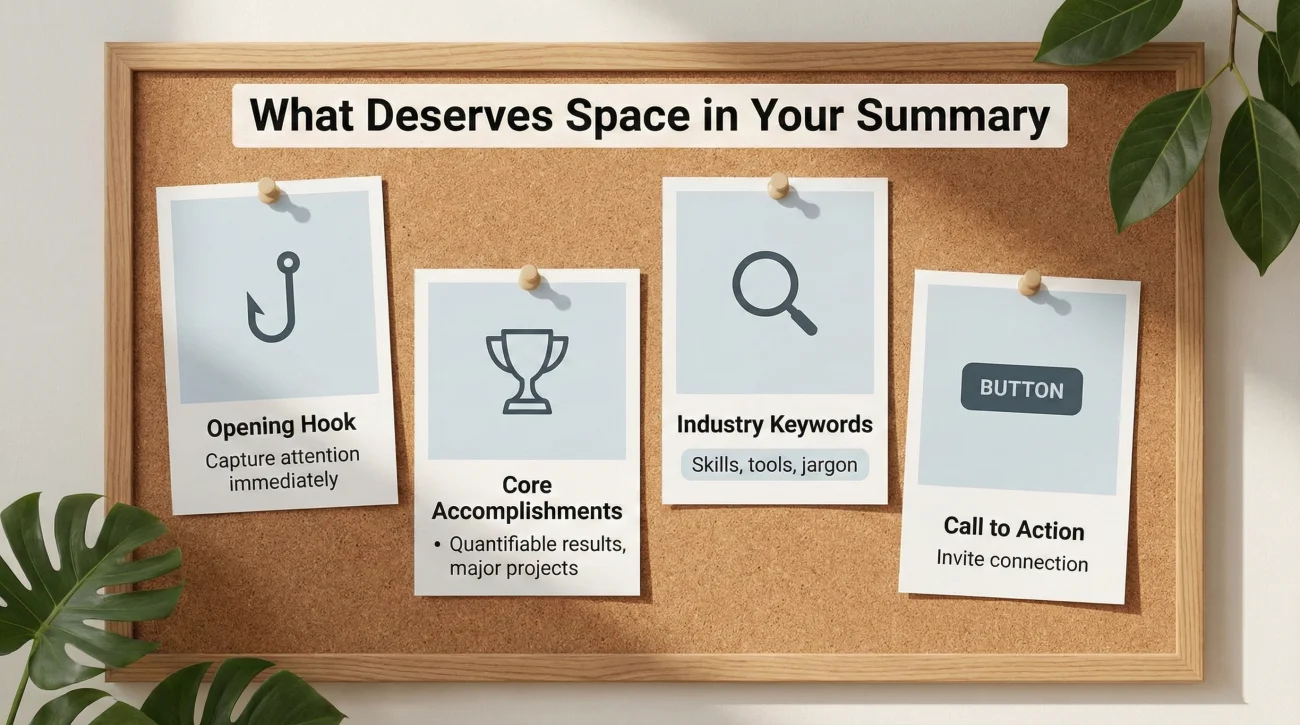
Effective summaries allocate characters to content that differentiates you and drives action. Every sentence should either establish credibility or move readers toward your profile goal.
Your opening line should immediately establish who you are and what you do. Skip the creative metaphors and get to the point – recruiters scanning dozens of profiles don’t have patience for slow reveals. “I help SaaS companies reduce churn through predictive analytics” works better than “I’ve always been fascinated by the intersection of data and human behavior.”
Core accomplishments and measurable results deserve significant character investment. These are the proof points that separate you from others with similar titles. “Led team that increased revenue by 40%” takes 45 characters and does more work than 200 characters of vague claims about being results-driven and detail-oriented.
Relevant linkedin summary keywords should appear naturally throughout your summary to improve search visibility. Include industry-specific terms, technologies, and methodologies that recruiters use when filtering candidates. Don’t force them into awkward sentences – integrate them where they genuinely describe your work.
Your call to action or connection preference belongs in the final paragraph. Tell readers what you want them to do next, whether that’s reaching out for consulting inquiries, exploring open positions on your team, or connecting to discuss industry trends. Clarity here converts profile views into meaningful interactions.
Length Doesn’t Equal Quality

The most common summary mistake is confusing thoroughness with impact. A 2,500 character summary full of generic statements about being a team player and self-starter performs worse than a 1,200 character summary with three specific, quantified achievements.
Every paragraph should pass the “so what” test. After writing a sentence, ask yourself why a recruiter or potential connection would care about that information. If you can’t articulate why it matters, cut it and use those characters elsewhere.
Dense paragraphs exhaust readers regardless of content quality. Break your summary into 3-5 distinct paragraphs with clear themes. Use line breaks generously – white space signals to skimming readers where new ideas begin and makes your summary feel less overwhelming.
Bullet points can help you pack more information into less space when listing specific skills, achievements, or areas of expertise. A bulleted list of five accomplishments might take 400 characters while paragraph form describing the same achievements could require 600 characters for the same impact.
Common Length-Related Mistakes
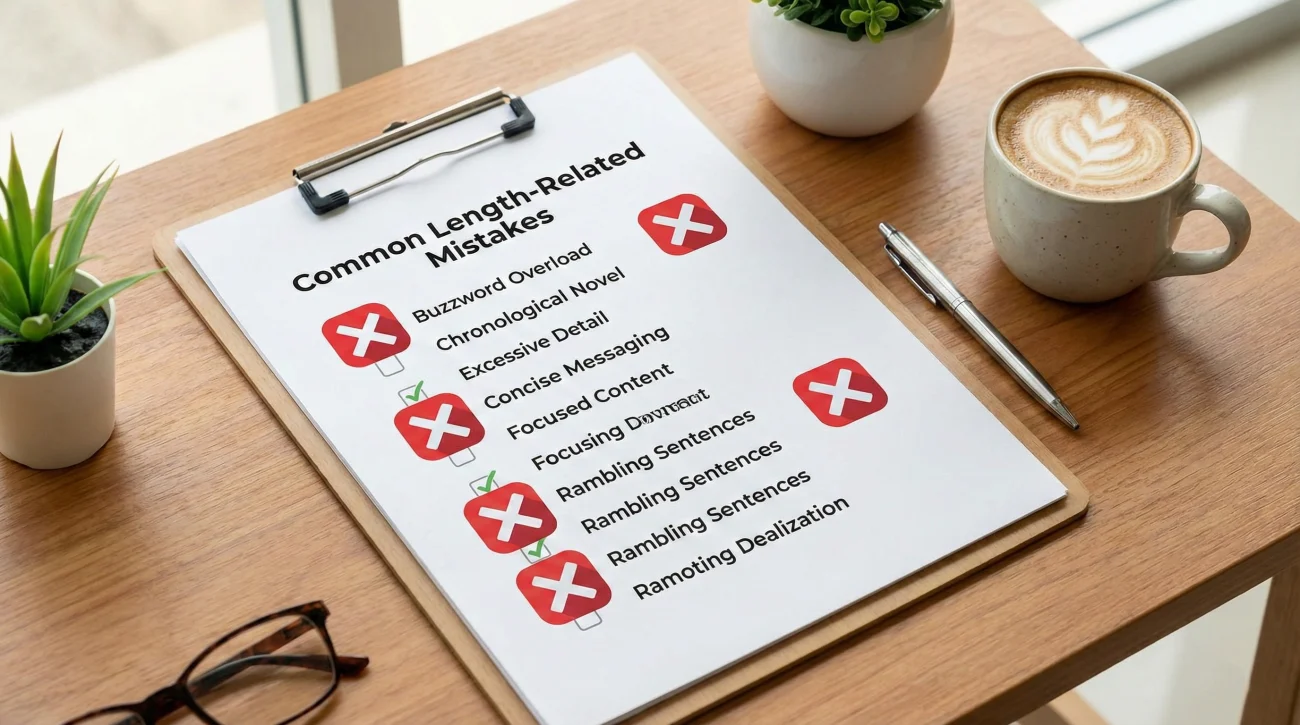
Understanding what wastes characters helps you allocate your summary budget more effectively. These patterns consistently reduce summary performance.
Writing a novel about your entire career history in chronological order
Your summary isn’t a second resume. Readers can see your full work history below the About section. Use summary space for themes, specialization, and impact rather than rehashing job descriptions. One paragraph covering your 15-year arc matters more than three paragraphs detailing each position.
Including personal hobbies and interests unrelated to professional goals
Unless your hobbies directly support your professional brand or provide relevant talking points for your industry, they waste valuable characters. “Avid rock climber” doesn’t help a software engineer’s profile unless they’re specifically targeting outdoor tech companies. Save these details for in-person networking.
Front-loading with buzzwords instead of concrete information
Starting your summary with “Passionate, innovative leader driving transformational change” uses 60 characters to say nothing specific about what you actually do. Those same 60 characters could state your role, company, and primary achievement. Lead with substance, not adjectives.
Testing if Your Length is Working

The right summary length reveals itself through profile performance metrics. LinkedIn provides data that shows whether your current approach is effective.
Check your profile view statistics over a 90-day period. If views are declining or stagnant despite regular activity, your summary might be either too brief to establish credibility or too long to maintain attention. Compare your current length to the recommendations for your career stage and experiment with adjusting up or down.
Monitor search appearances for your target keywords. If you’re not appearing in searches for terms central to your expertise, you might not be hitting sufficient keyword density in your summary. This often happens with overly brief summaries that don’t have enough content to rank well for multiple search terms.
Track connection acceptance rates. If your connection requests get accepted but don’t lead to conversations, your summary might be too vague about what you offer. Adding 200-300 characters of specific value proposition often increases response rates from cold outreach.
For insights on how your summary works with other profile elements, explore our guide on optimizing your complete LinkedIn presence.
❓ FAQ
📏 Should I always use the full 2600 character limit?
🔍 How does summary length affect LinkedIn search rankings?
📱 Does summary length display differently on mobile?
✍️ Should my summary be shorter than my resume summary?
⏰ How often should I update my summary length?
Final Thoughts
The perfect linkedin summary length is however many characters it takes to clearly communicate your value without losing reader attention. For most professionals, that falls between 1400-1800 characters – enough space to establish expertise and provide concrete examples, but short enough to maintain focus.
Stop thinking about character limits and start thinking about reader investment. Every sentence should earn the reader’s continued attention. If you can make your point in 1200 characters, adding 800 more just to fill space actually reduces your profile’s effectiveness.
Test your current length against your career stage recommendations, check your profile analytics, and adjust based on results rather than assumptions. The summary that drives engagement looks different at different career stages and for different goals.