- First Impression: A custom LinkedIn URL signals professionalism, tech awareness, and intentional personal branding.
- SEO and Shareability: Keywords in the URL can help Google match recruiter searches, and a clean link is easier to say, type, and remember.
- Naming Matrix: Choose the best available slug tier, decide hyphen vs no hyphen for readability, and avoid numbers, dates, or company names.
- Common Name Fixes: Use a middle initial, full middle name, permanent profession keyword, or a simple prefix, and keep it consistent across platforms.
- Execution and Hygiene: Follow the desktop or mobile steps, update every place you shared the old link, then use the 10-point checklist and QR code for networking.
The Digital Handshake: Why Your LinkedIn URL is Your First Impression
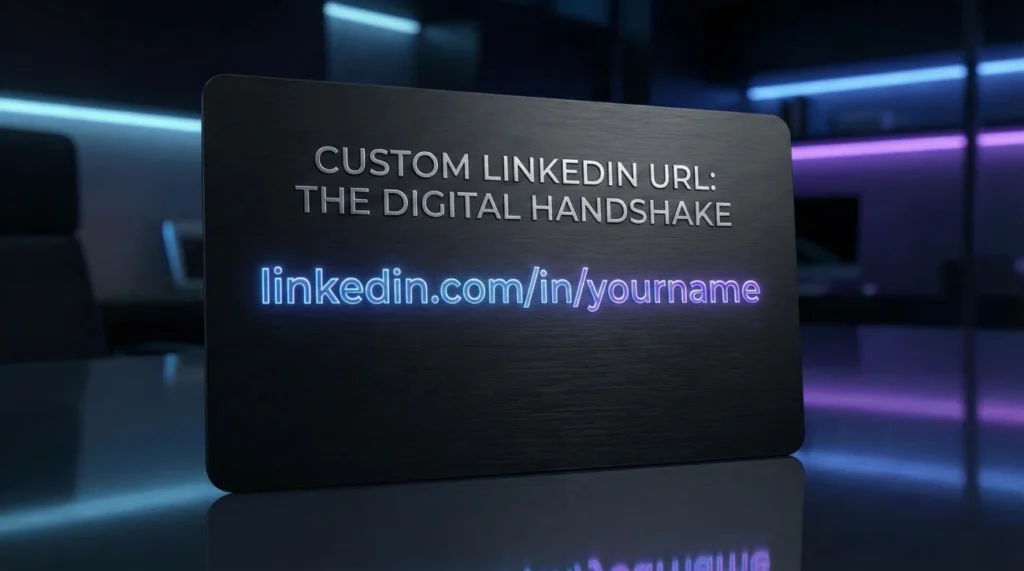
Imagine handing someone a business card that is crumpled, stained with coffee, and has a phone number scribbled in pencil on the back. That is exactly what you are doing digitally when you share a default LinkedIn URL (e.g., linkedin.com/in/john-doe-4b9281a1).
In the digital economy, attention to detail is a proxy for competence. A clean, customized URL (linkedin.com/in/johndoe) signals three things immediately: Tech-Savviness, Professionalism, and Personal Branding Intent. It is the digital equivalent of a firm handshake and a tailored suit.
This comprehensive guide goes beyond the simple “how-to.” We will explore the SEO mechanics of why custom URLs rank higher on Google. We will provide a Strategic Naming Matrix for those with common names (the “John Smith” problem). We will also discuss how to align your LinkedIn handle with your broader digital footprint to create an unbreakable personal brand.
The Psychology & Science of the URL
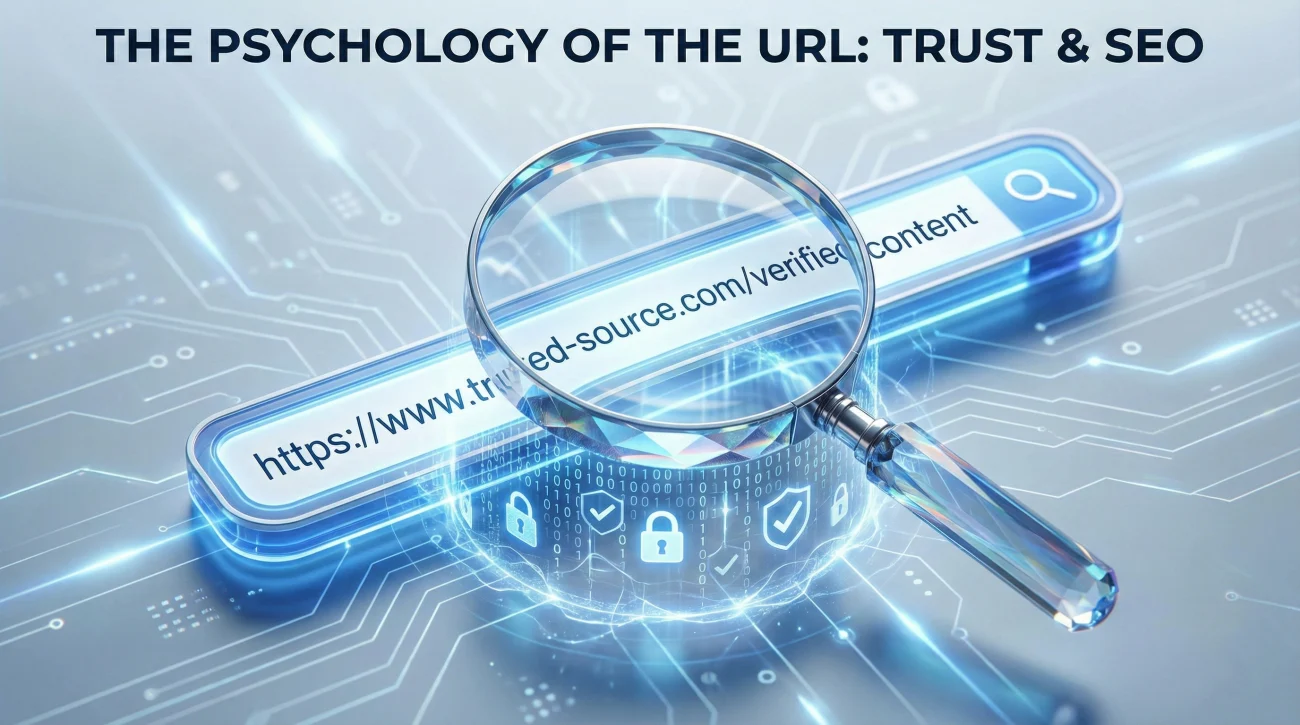
Why does a URL matter? It seems like a minor detail. However, in User Experience (UX) design, we know that “Trust” is built in milliseconds.
1. The Trust Factor (Human Psychology)
The Default URL: /in/sarah-jones-99281
The Subconscious Signal: “This account might be a bot, a duplicate, or inactive. They created it and forgot about it.”
The Custom URL: /in/sarahjones-cmo
The Subconscious Signal: “This is a curated, active professional profile. They care about their presentation.”
2. The Google Factor (Search Algorithms)
Google’s algorithm prioritizes keywords in the URL string.
If a recruiter searches “Sarah Jones Marketing,” Google looks for matches.
A URL like .../sarah-jones-marketing creates a direct keyword match, pushing your profile above the thousands of other “Sarah Jones” profiles that still have random numbers attached.
3. The Shareability Factor (Friction Reduction)
Have you ever tried to dictate your LinkedIn URL on a podcast or during a networking event?
“It’s LinkedIn dot com slash in slash mike dash brown dash seven four two…” (You have lost them).
Versus: “It’s LinkedIn dot com slash in slash mikebrown.” (Memorable. Actionable).
The Naming Matrix: Choosing Your Slug

Your “Slug” is the part of the URL after the /in/. Choosing this is a strategic branding decision. Use this hierarchy to select the best available option.
| Tier | Format | Status | Example |
|---|---|---|---|
| Tier 1: The Holy Grail | /firstname-lastname | ⭐⭐⭐⭐⭐ | /elon-musk |
| Tier 2: The Modernist | /firstnamelastname (No hyphen) | ⭐⭐⭐⭐ | /elonmusk |
| Tier 3: The Authority | /firstname-initial-lastname | ⭐⭐⭐⭐ | /elon-r-musk |
| Tier 4: The Specialist | /firstname-lastname-role | ⭐⭐⭐ | /elon-musk-ceo |
| Tier 5: The Local | /firstname-lastname-city | ⭐⭐ | /elon-musk-sf |
| The “Don’t Do It” | /name-birthyear | ❌ | /elon-musk-1971 |
The Great Debate: Hyphen or No Hyphen?
Option A: /john-smith (With Hyphen)
Pros: Easier to read for humans. Google treats the hyphen as a space, so it reads “John” and “Smith” as separate keywords.
Cons: Slightly longer to type.
Option B: /johnsmith (No Hyphen)
Pros: Looks cleaner on business cards. Faster to type.
Cons: Can be hard to read if the last letter of the first name matches the first letter of the last name (e.g., /sam-morris vs /sammorris).
Verdict: Both are excellent. Choose based on availability and visual clarity.
“My Name is Taken!” – The Crisis Playbook
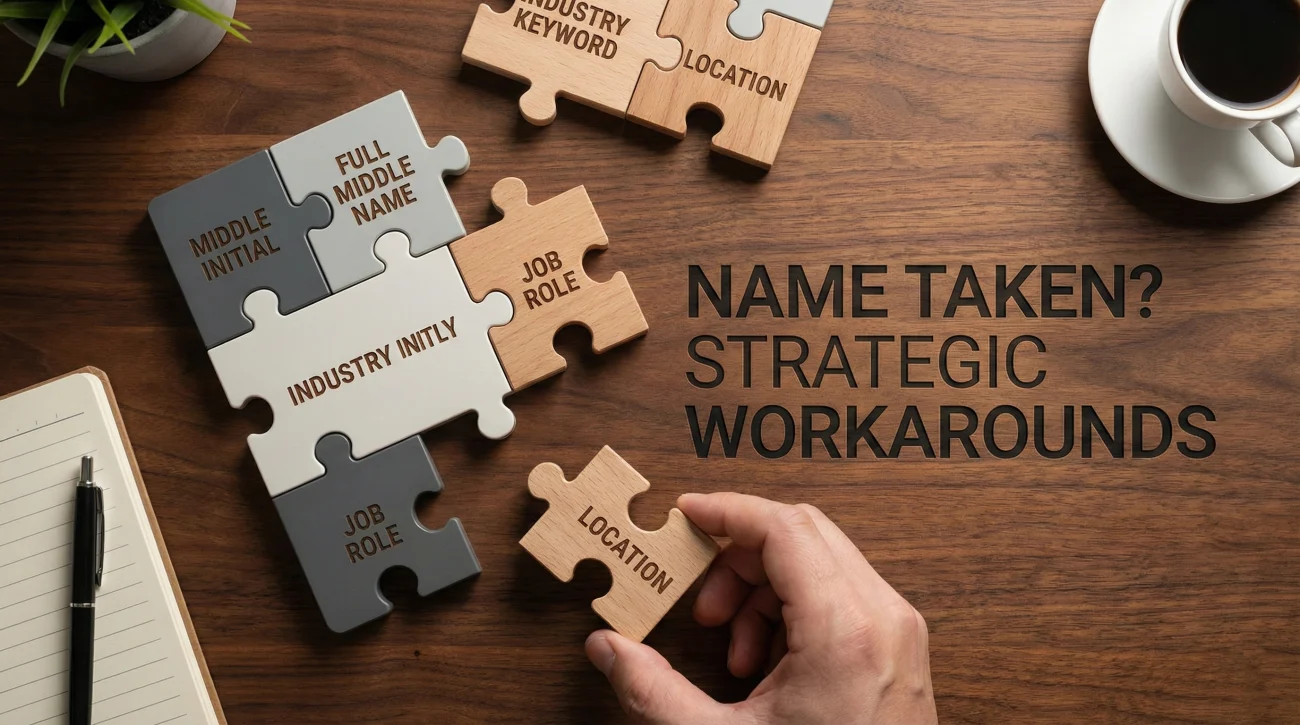
If you are named “Michael Smith” or “Nguyen Van A,” your Tier 1 name is 100% taken. Do not panic. Do not add “123.” Use these professional workarounds.
Strategy 1: The “Executive” Initial
Adding a middle initial is the standard corporate workaround. It adds gravitas.
Example: /michael-j-smith or /michaeljsmith.
Strategy 2: The “Distinguished” Full Name
Use your full middle name. This is highly effective for common names.
Example: /michael-jordan-smith.
Strategy 3: The “Keyword” Appendage
Add your permanent profession.
Warning: Only do this if you are committed to the career. If you change from “Sales” to “Marketing,” you will have to change your URL (breaking old links).
Example: /michael-smith-cpa or /michael-smith-design.
Strategy 4: The “Prefix” Hack
Add a conversational prefix. This works well for creatives and founders.
Example: /iam-michael-smith or /meet-michael-smith.
Strategy 5: The “Degree” Flex
If you have a terminal degree or major cert, use it.
Example: /dr-michael-smith or /michael-smith-mba.
Strategy 6: The Creative & Verb
If all else fails, use an action verb. This is popular with coaches and speakers.
Example: /hire-michael-smith or /connect-with-michael.
The “Digital Footprint” Strategy: Cross-Platform Consistency
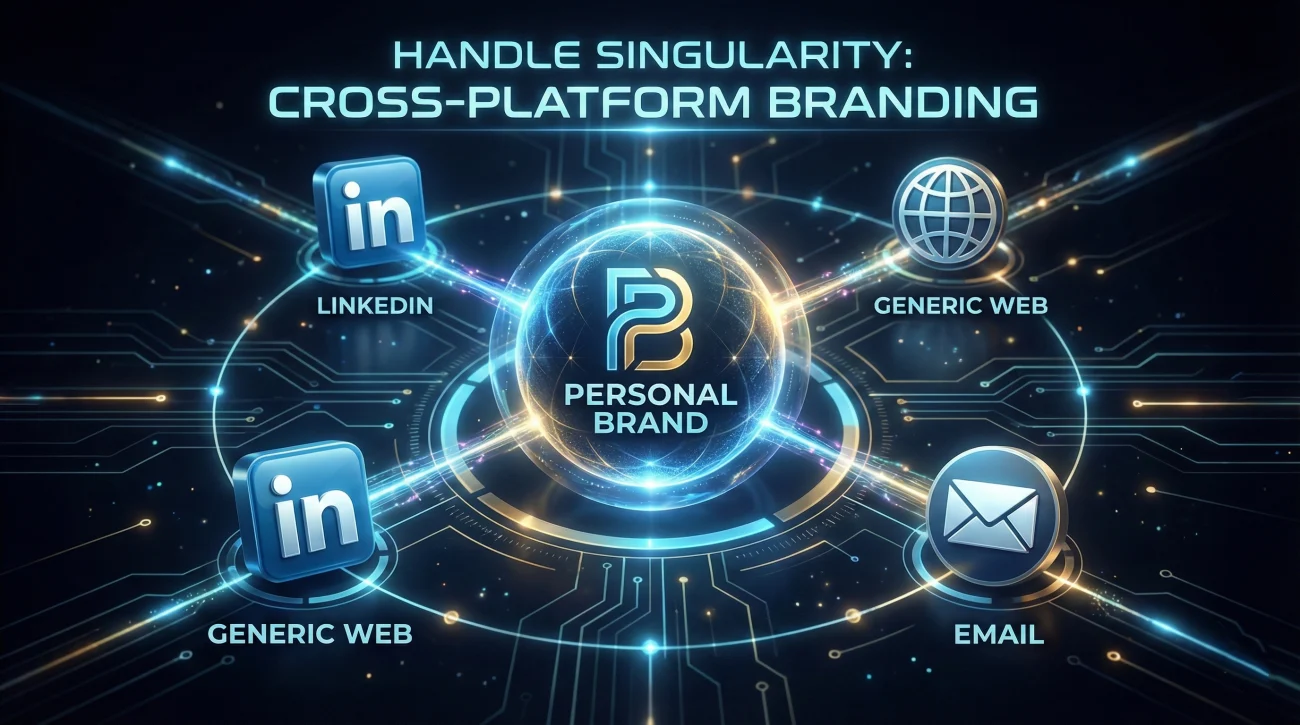
Your LinkedIn URL does not exist in a vacuum. It is part of your internet ecosystem. The most powerful personal brands aim for Handle Singularity.
The Goal: To have the exact same handle across all major professional touchpoints.
- LinkedIn: linkedin.com/in/janedoe
- Twitter/X: twitter.com/janedoe
- Portfolio: janedoe.com
- Email: hello@janedoe.com
- GitHub/Behance: behance.net/janedoe
Why this matters:
1. Memorability: People only have to remember one string of text to find you anywhere.
2. Authority: Owning your name across platforms signals that you are the “Real” Jane Doe, protecting you from imposters.
3. Search Domination: When someone Googles you, your profiles will stack up neatly on Page 1, pushing down negative or irrelevant results.
Step-by-Step Technical Guide
Don’t just read this. Do it now. Here is exactly where to click.
On Desktop (Recommended)
- Go to your Profile Page.
- Look at the top right sidebar. You will see “Edit public profile & URL”. Click it.
- A new tab will open. Look at the top right again for “Edit your custom URL”.
- Click the Blue Pencil Icon.
- Type your new handle. (3-100 characters. No spaces, symbols, or emojis).
- Click Save.
On Mobile App
- Tap your profile picture in the top left > View Profile.
- Tap the Three Dots (…) next to the “Add Section” button.
- Select Contact Info.
- Tap the Pencil Icon (Edit).
- Tap on your Profile URL.
- You will be redirected to the Edit page. Tap the pencil next to “Edit your custom URL.”
The 10-Point URL Hygiene Checklist
Before you finalize your new URL, run it through this safety check. Score 1 point for each “Yes.”
- No Numbers: Did you remove all birth years and random digits? (Unless “365” is part of your brand).
- No Dates: Avoid “john-smith-2024”. It expires in 12 months.
- No Current Company: Never use
/john-smith-google. If you leave Google, your URL becomes a liability. - Readability Check: If using “FirstLast” (no hyphen), does it create an accidental bad word or awkward phrase? (e.g.,
/therapistvs/the-rapist– be careful!). - Length Check: Is it short enough to fit on a business card without line-breaking?
- Update Check: Once changed, did you update your Resume, Email Signature, and Website? (Old links break immediately).
- QR Code: Did you generate a new LinkedIn QR code for your updated URL?
- Availability Check: Did you check if this handle is available on Twitter/Instagram to match?
- Spelling Check: Is it easy to spell? (Avoid replacing “s” with “z” unless it’s a specific brand).
- Professionalism Check: Would you be comfortable saying this URL out loud to a CEO?
Target Score: 10/10.
Bonus: The QR Code Strategy
Once you have a clean URL, generate your LinkedIn QR code.
On Mobile App: Tap Search Bar > Tap QR Code Icon (Right side).
Use Case: Save this image to your phone. At networking events, instead of exchanging business cards, just show your QR code. It’s faster, greener, and instantly connects you.
❓ FAQ
🔗 If I change my URL, will the old one still work?
⏱️ How often can I change my URL?
🌏 Can I use non-English characters (e.g., Tiếng Việt)?
/nguyen-van-a).💼 Should I put my company name in the URL?
/jane-doe-microsoft, you are branding Microsoft, not yourself. Plus, it looks awkward if you get laid off or move to Amazon. Keep the URL personal.Final Thoughts: Small Detail, Huge Impact
Changing your LinkedIn URL takes exactly 45 seconds. Yet, it separates the amateurs from the professionals. It is one of the highest-ROI actions you can take for your personal brand.
A clean URL tells the world: “I understand the digital landscape. I pay attention to detail. I am a brand, not just an employee.”
Go fix your URL right now. Then, paste it onto your resume with pride.
Ready for the next step? Learn how to write a headline that makes people click that new URL, or optimize your banner to keep them there.