
- Name field is your SEO key: Use your name format to improve discoverability and reduce confusion across LinkedIn, email, resume, and search.
- Differentiate without breaking rules: Add a middle initial or full middle name when your first+last is common, but keep slogans, emojis, and keywords out of the Name Field.
- Credentials need a strict filter: Add only legal identity suffixes or role-required licenses, and move degrees/certs to the Headline to avoid clutter and tagging friction.
- Global naming needs cultural logic: Handle non-Western order, double surnames, nicknames, and accents in a way that stays searchable and recognizable to your real network.
- Continuity and safety have tradeoffs: Bridge name changes with Former Name/parentheses for years, and use last-initial privacy only when safety matters more than being found.
Identity Engineering: The Strategic Art of Naming Yourself on LinkedIn
What is in a name? On LinkedIn, the answer is: Searchability, Authority, and Memorability.
Your name is the very first keyword in the search algorithm. It is the boldest text on your profile. It is the handle by which the professional world grasps you. Yet, most professionals treat the Name Field as a compliance form – simply copying exactly what is on their passport. This is a missed branding opportunity.
Should you use your middle initial? Should you include your maiden name? Is it professional to use your nickname “Mike” instead of “Michael”? If you are Asian, should you reverse your name order for Western recruiters?
This comprehensive guide moves beyond “filling in the blanks.” We will explore the Psychology of Naming. We will analyze how a middle initial can increase perceived intellect, how localized names affect callback rates, and the SEO mechanics of the Name Field. Whether you are a global executive navigating cross-cultural markets or a freelancer building a unique brand, this playbook will help you engineer your identity for maximum impact.
The Psychology of the Name: Authority vs. Accessibility
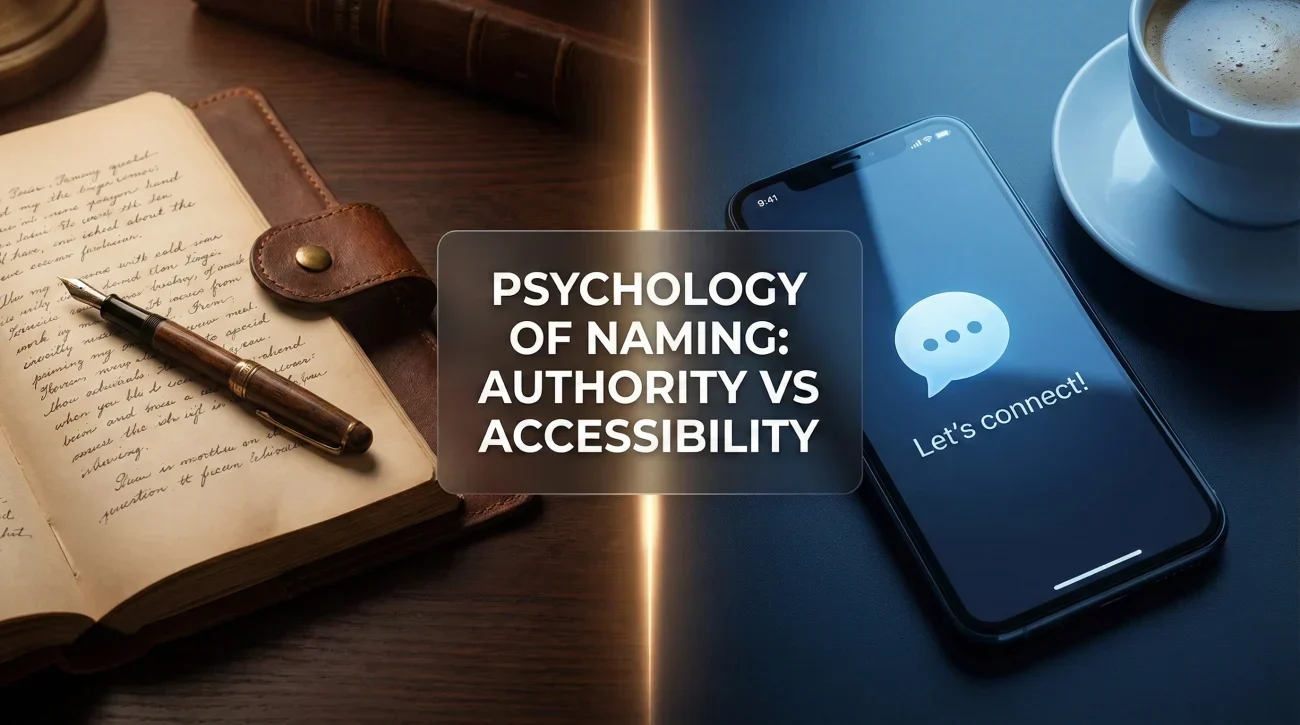
Before we discuss the “How,” we must address the “Why.” Different name formats trigger different subconscious biases in the viewer’s brain. You must choose a format that aligns with your brand archetype.
1. The “Formal Authority” (Full Name + Middle Initial)
Example: Jennifer L. Rodriguez
The Signal: Academic, Legal, Corporate, Serious.
Psychology: Research (the “Middle Initial Effect”) suggests that people with middle initials are perceived as smarter and more capable. This format is standard in Law, Medicine, Academia, and C-Suite roles.
Best For: Lawyers, Doctors, Executives, Researchers.
2. The “Accessible Connector” (First + Last Name)
Example: Jen Rodriguez
The Signal: Approachable, Modern, Tech-Savvy, Friendly.
Psychology: Removing barriers (like formal names) invites connection. It suggests “I am easy to work with.” This is the norm in Tech, Startups, Sales, and Creative industries.
Best For: Sales Reps, Recruiters, Designers, Developers.
3. The “Distinctive Brand” (Full Middle Name)
Example: Jennifer Louise Rodriguez
The Signal: Traditional, Aristocratic, or Highly Specific.
Psychology: This creates a “long-tail” brand. It is incredibly effective for disambiguation (if your name is “John Smith,” you need this). However, it can feel “heavy” or old-fashioned in fast-paced industries.
Best For: Professionals with extremely common names (John Smith, Maria Garcia).
The SEO of You: Searchability & Disambiguation
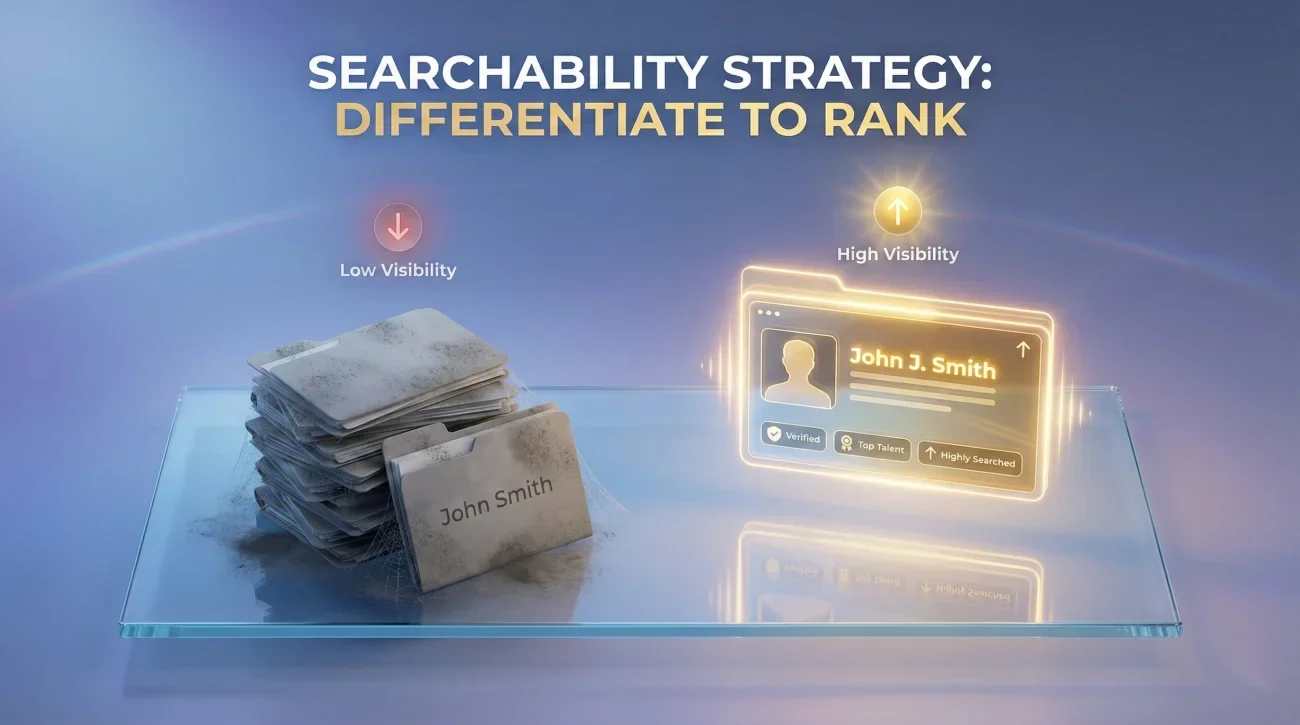
LinkedIn is a search engine. If a recruiter types your name, do you appear first, or on page 10? Your name format dictates your ranking.
The “John Smith” Problem
If you have a common name, you are fighting a losing battle for visibility. You must differentiate via the Name Field, not just the Headline.
- ❌ Invisible: “David Lee” (Results: 500,000+)
- ✅ Visible: “David J. Lee” (Results: 5,000)
- ✅ Highly Visible: “David Jun-Ho Lee” (Results: <50)
Strategy: Search for your own name on LinkedIn. If you see more than 10 people with the exact same name and similar job titles, add a middle initial immediately.
The Algorithm Traps to Avoid
LinkedIn’s Terms of Service are strict about the Name Field. Violating them can get your account restricted (shadow-banned) or deleted.
- ❌ No Keywords: “John Smith | LION | SEO Expert” (The text after the pipe | belongs in the Headline, not the Name Field).
- ❌ No Emojis: “🚀 John Smith” (Makes you unsearchable and looks like a bot).
- ❌ No All Caps: “JOHN SMITH” (Looks like you are shouting).
- ❌ No Email Addresses: “John Smith (john@gmail.com)” (Privacy risk and TOS violation).
Cultural Intelligence: Naming Strategies for the Global Professional

In a globalized economy, your name needs to travel. How do you handle non-Western names, accents, or multiple surnames?
The Asian Name Dilemma (Reverse Order)
In East Asia (China, Korea, Japan, Vietnam), the surname comes first. In the West, it comes last. This causes massive confusion for recruiters.
Scenario: Your name is Nguyen Van A (Surname: Nguyen, Given: A).
- Strategy A (The Western Adapt): “A Nguyen” (First Name: A, Last Name: Nguyen).Pros: Clear for Westerners. Cons: Loses cultural identity.
- Strategy B (The Hybrid): “A (Andy) Nguyen”.Pros: Maximum searchability. People who know you as “A” find you; people who know you as “Andy” find you.
- Strategy C (The Localized): “Nguyen Van A” in the “Local Name” field (LinkedIn feature) and “A Nguyen” in the primary field.Best Practice: Use LinkedIn’s “Add name in another language” feature. This allows you to display your name in Chinese/Japanese/Korean characters to users in those regions, while showing English to the rest of the world.
The Hispanic Double Surname
Many Hispanic professionals use two surnames (Paternal + Maternal), e.g., “Maria Fernandez Garcia.”
- The Issue: US systems often mutilate this into “First Name: Maria”, “Middle: Fernandez”, “Last: Garcia”. Recruiters might call you “Ms. Garcia” instead of “Ms. Fernandez.”
- The Fix: If you want to be alphabetized by “Fernandez,” put “Fernandez Garcia” in the Last Name field. If you primarily use “Fernandez” professionally, drop “Garcia” on LinkedIn to avoid confusion, or hyphenate it: “Maria Fernandez-Garcia.”
Accents and Special Characters
Should you use “François” or “Francois”? “Jürgen” or “Jurgen”?
- The Search Reality: LinkedIn’s search is smart enough to map “e” to “é” in most cases.
- The Branding Reality: Using the accent shows attention to detail and cultural pride.
- Recommendation: Use the correct spelling (with accents). Add the unaccented version in your “Former Name” or “About” section if you are worried about very old search systems, but generally, accents are safe and preferred.
The Credentials Debate: To “MD” or Not To “MD”?
A fierce debate exists: Should you put credentials (MBA, PhD, CPA, PMP) in the Last Name field?
Example: Jane Doe, CPA, MBA
The Analysis
| Pros | Cons |
|---|---|
| ✅ Immediate credibility trigger. | ❌ Technically violates LinkedIn TOS (Name field is for names only). |
| ✅ Differentiates you in search results. | ❌ Makes you harder to tag in posts (User has to type “Jane Doe, CPA…” to tag). |
| ✅ Crucial for regulated industries (Medicine/Law). | ❌ Can look pretentious in casual industries (Tech/Creative). |
The Verdict:
Use sparingly. Only include “License to Practice” credentials (MD, JD, CPA, PE, RN) if they are legally required for your job function.
Avoid: Academic degrees (MBA, MA, BA) or certifications (PMP, CSM) in the name field. These belong in the Headline. “Jane Doe, MBA” looks like you are trying too hard. “Jane Doe | MBA | Strategy Consultant” looks professional.
The Name Format Decision Matrix

Still unsure? Use this logic tree to choose your format.
| If your situation is… | Then use this format… | Example |
|---|---|---|
| Common Name (John Smith) | Full Middle Name or Initial + Industry Headline | John Michael Smith |
| Casual Industry (Tech/Creative) | Preferred Name (Nickname) + Last Name | Mike Brown |
| Formal Industry (Law/Finance) | Legal First + Middle Initial + Last | Michael T. Brown |
| International/Asian | English Name + (Native Name) + Surname | Wei (David) Zhang |
| Privacy Concerns | First Name + Last Initial (Limits career growth) | Sarah J. |
The 7-Point Name Optimization Checklist
Before you save your profile, run this final audit.
- Capitalization: Is it Title Case? (e.g., “Jane Doe”, NOT “jane doe” or “JANE DOE”).
- The “Tag” Test: Is your name easy to type for someone trying to tag you in a post? (Avoid excessive emojis/titles).
- Consistency: Does this name match your Email Signature and Resume exactly?
- Audio: Have you recorded the 10-second pronunciation clip?
- URL Check: Did you customize your Public Profile URL to match your name? (linkedin.com/in/janedoe).
- Disambiguation: If you search your name, do you appear in the top 3? If not, add a middle initial.
- Cleanliness: Did you remove all keywords (“LION”, “Guru”) from the Name field?
❓ FAQ
💍 I just got married/divorced. How do I change my name without confusing my network?
🚀 Can I use emojis in my name to stand out?
🎭 I go by a nickname that is totally different from my legal name (e.g., “Bubba”). Should I use it?
🔒 I have privacy concerns (stalking/harassment). What should I do?
Final Thoughts: Your Name is Your API Key
In the digital world, your name is more than a label; it is an API key. It connects your LinkedIn to your Resume, your Email to your Portfolio, and your Reputation to your Future.
Do not treat it lightly. A consistent, strategic, and culturally intelligent name format removes friction. It makes it easy for opportunities to find you, verify you, and hire you. Audit your name field today – it is the smallest change with the longest-lasting impact on your personal brand.
Ready to optimize the rest? Continue to our Headline Strategy Guide or explore banner design principles.